Building with AI, for every kind of mind.
Hi, I'm Mahdi, co-founder of Humble AI. I champion different kinds of minds. The most talented people I work with often see the world differently, and many of them are neurodivergent.
This is where I share the tools, tips and resources that have helped us as we build with AI. Take what's useful.

Three places to start.
-
Tools
40+ tools that help with starting tasks, writing, focus and building with AI. Pick what's hard and get a suggested stack.
-
 Meet Humble
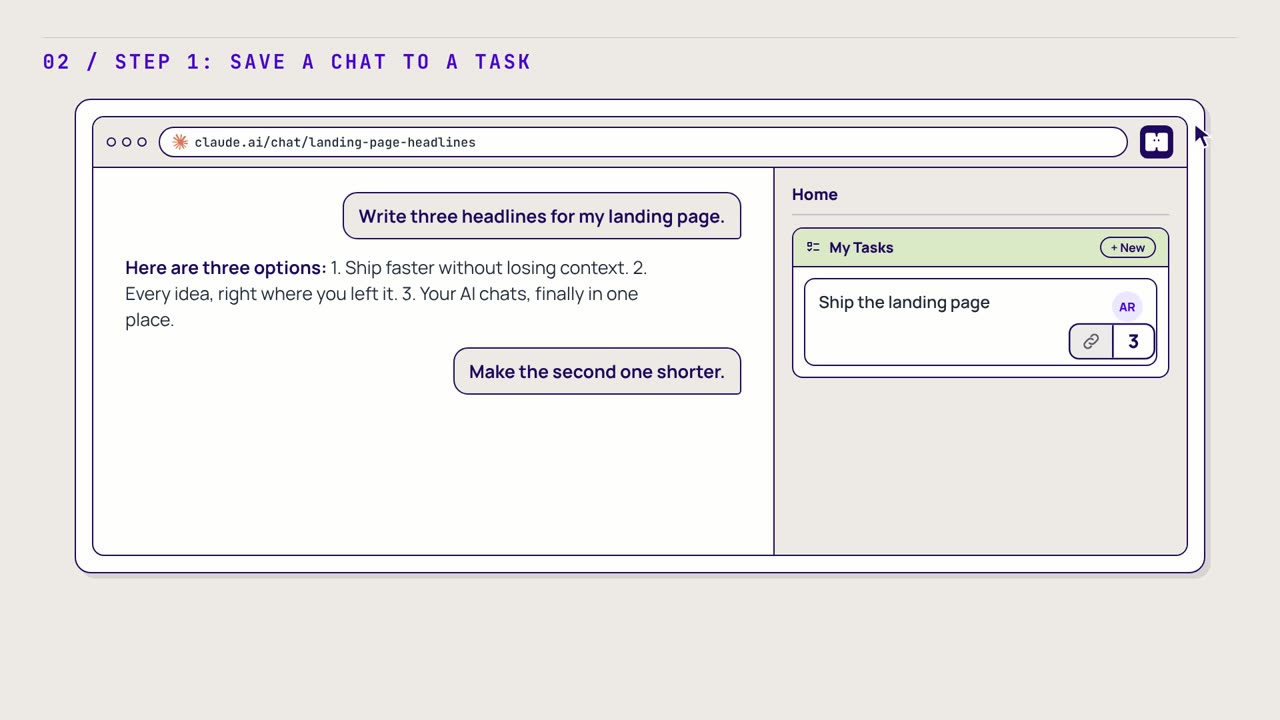
The second brain we're building for different kinds of minds. It keeps your AI chats, tasks, notes and people in one place.
-
Resources
Guides, research and slide decks on building with AI. No coding needed.
Tools built for different minds work better for everyone.
Inclusivity is the thing I care about most. When a tool works for people who think differently, it ends up working better for everyone.
That's why we're building Humble AI: a second brain that keeps your AI chats, tasks, notes and people in one place, so you don't have to hold it all in your head.
 Watch the 70-second demo
Tools that work with your brain, not against it.
46 tools that help with starting tasks, writing, thinking visually and building with AI. Most are free.
-
Wispr Flow
Free planAffiliate linkA voice dictation app that works in any text box on your computer or phone.
Helps with: Writing and typingBuilding with AIStarting tasks
Alternatives Handy (opens in a new tab) Open sourceBuilt-in dictation (opens in a new tab) Free
-
Goblin Tools
FreeA set of small AI tools made for neurodivergent people, including Magic ToDo, which breaks any task into steps.
Helps with: Starting tasksGetting the tone rightLosing track of timeWriting and typing
-
Free plan Figma
FigmaA design tool and whiteboard (FigJam) for arranging ideas in space.
Helps with: Thinking in picturesBuilding with AI
Alternatives Penpot (opens in a new tab) Open sourceExcalidraw Open source
-
Focusmate
Free planA site that pairs you with a stranger on video so you both work at the same time.
Helps with: Starting tasksStaying focused
-
Superhuman
PaidA fast email app for Gmail and Outlook with AI drafts and keyboard shortcuts.
Helps with: Too much emailWriting and typing
Alternatives Proton Mail (opens in a new tab) Privacy-firstSpark (opens in a new tab) Free
-
Granola
Free planAn AI notepad that writes up your meetings without a bot joining the call.
Helps with: Remembering meetingsWriting and typing
Resources I come back to.
-
Learn AI
Guides and research for building with AI. No coding needed.
-
The neurodiversity case
Why neurodivergent builders do well with AI tools. A 24-slide deck.
-
The neurodivergent founder playbook
Twelve short chapters and 16 plays for building a company around how you think.
-
Tips by email (opens in a new tab)
Prompts, templates and what's working now. Free. Unsubscribe any time.
About me.
I'm Mahdi Shariff, co-founder of Humble AI in London. Humble isn't a corporate initiative or a diversity checkbox. It's built by a neurodiverse, inclusive team who want AI to work for everyone, not just the technical elite.
With the Humble team, I've trained teams at Accenture, lectured at universities across the UK and Europe, and built tools that neurodivergent professionals use every day.
- Forbes 30 Under 30
- Google for Startups
- Notion Capital
- ISM University
- Accenture
- EY
Get new tools and tips by email.
Sign up free (opens in a new tab)Unsubscribe any time.